Sign-in and Sign-up
Enable the auth module, add Google sign-in and email verification
Last updated November 3, 2026
The auth module covers sign-up, sign-in, password reset, and email verification. Pages live at /{locale}/auth/*, the API at /api/auth/*, and the account area behind sign-in is in Account settings.
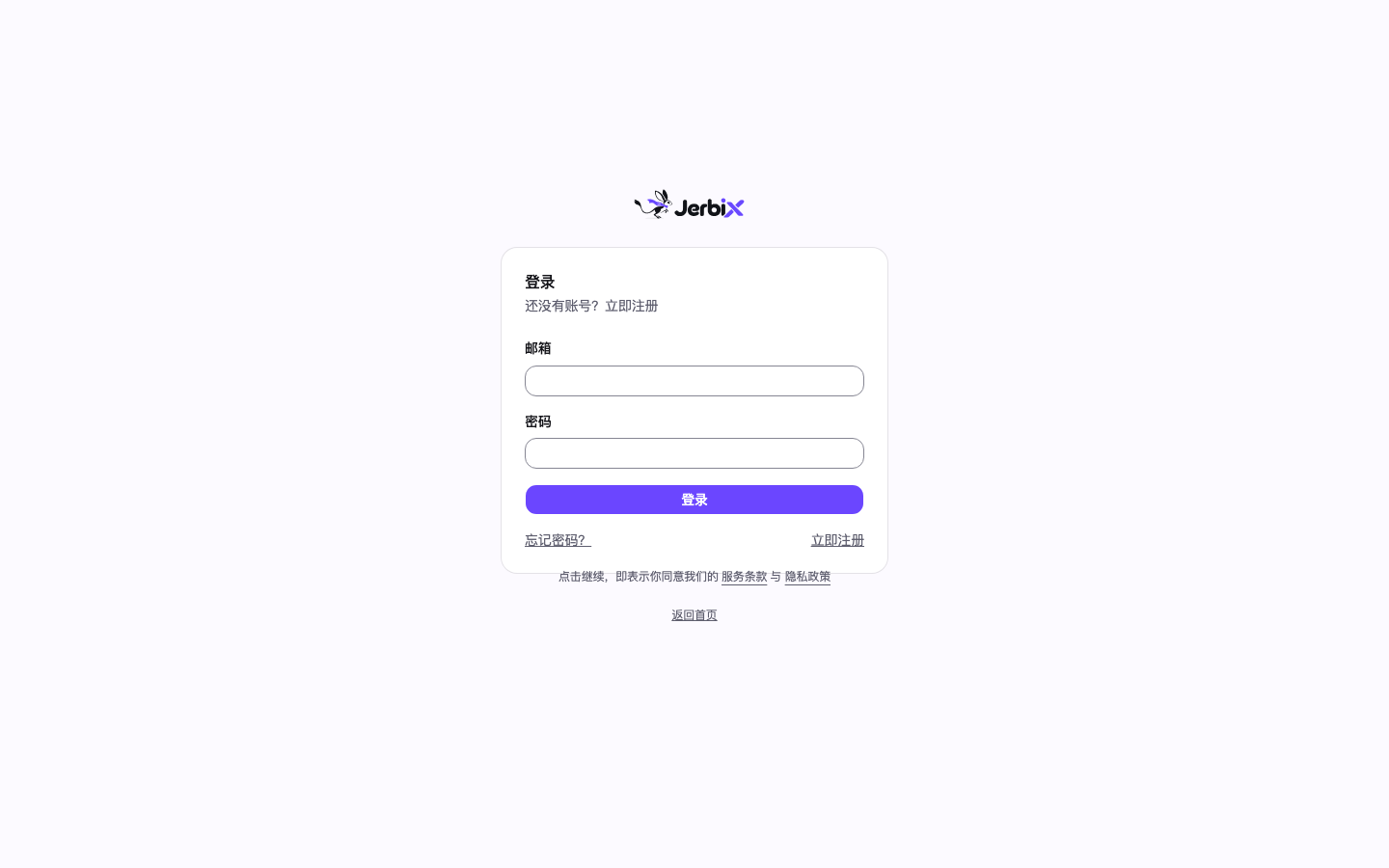
Steps
- Turn on the auth module.
``ts // src/config/website.ts auth: { enabled: true, requireEmailVerification: true }, ``
auth.enabled gates pages and API together: with it off, both /{locale}/auth/* and /api/auth/* return 404.
- Set the two variables production requires.
| Variable | Requirement | Purpose |
|---|---|---|
BETTER_AUTH_SECRET | At least 32 characters | Signs sessions and email tokens; production deployment fails without it |
BETTER_AUTH_URL | Full origin | Absolute URL for callbacks and email links; the deploy workflow falls back to VITE_BASE_URL |
Generate BETTER_AUTH_SECRET with openssl rand -base64 32 and upload it as a runtime secret as described in Deploy to Cloudflare.
- (Optional) Add Google sign-in. Two server variables are required, and both are needed:
| Variable | Purpose |
|---|---|
GOOGLE_CLIENT_ID | The OAuth client ID from Google Cloud Console |
GOOGLE_CLIENT_SECRET | The secret of that same client |
The Google button appears only when both are set; with just the ID there is no button and no entry point that could only fail. Register the callback URLs on the OAuth client in Google Cloud Console:
| Field | Value |
|---|---|
| Authorized JavaScript origin | https://<your-domain> |
| Authorized redirect URI | https://<your-domain>/api/auth/callback/google |
For local development, add http://localhost:3000 and http://localhost:3000/api/auth/callback/google as well.
- (Optional) Require email verification. With
requireEmailVerification: true, new users must verify their address before signing in. This depends on the mail module: configure a provider andMAIL_FROMas described in Email, otherwise sign-up and sign-in never send a message.
Verify
- Locally, run
pnpm devand sign up at/{locale}/auth/register; a verification email should arrive. - Online,
curl -s https://<your-domain>/api/auth/get-sessionreturns 200 withsessionasnull, which means the auth API is healthy. pnpm run check:env:prodpasses, which means the production variables and the configuration of every enabled module are complete.
Notes
requireEmailVerificationis a security control, not a mail switch: it does not loosen itself whenmail.enabledis turned off. Requiring verification without a working mail setup makes the auth API return 503 rather than silently allowing sign-in without verification.- Google sign-in is not blocked by email verification — Google returns an already-verified address, and only the email and password path is subject to that constraint.
- Secret environment variables never carry a
VITE_prefix, or they end up in the client bundle.